Design system
Maestrale Design System
A design system that follows the product, kept in sync by an agent
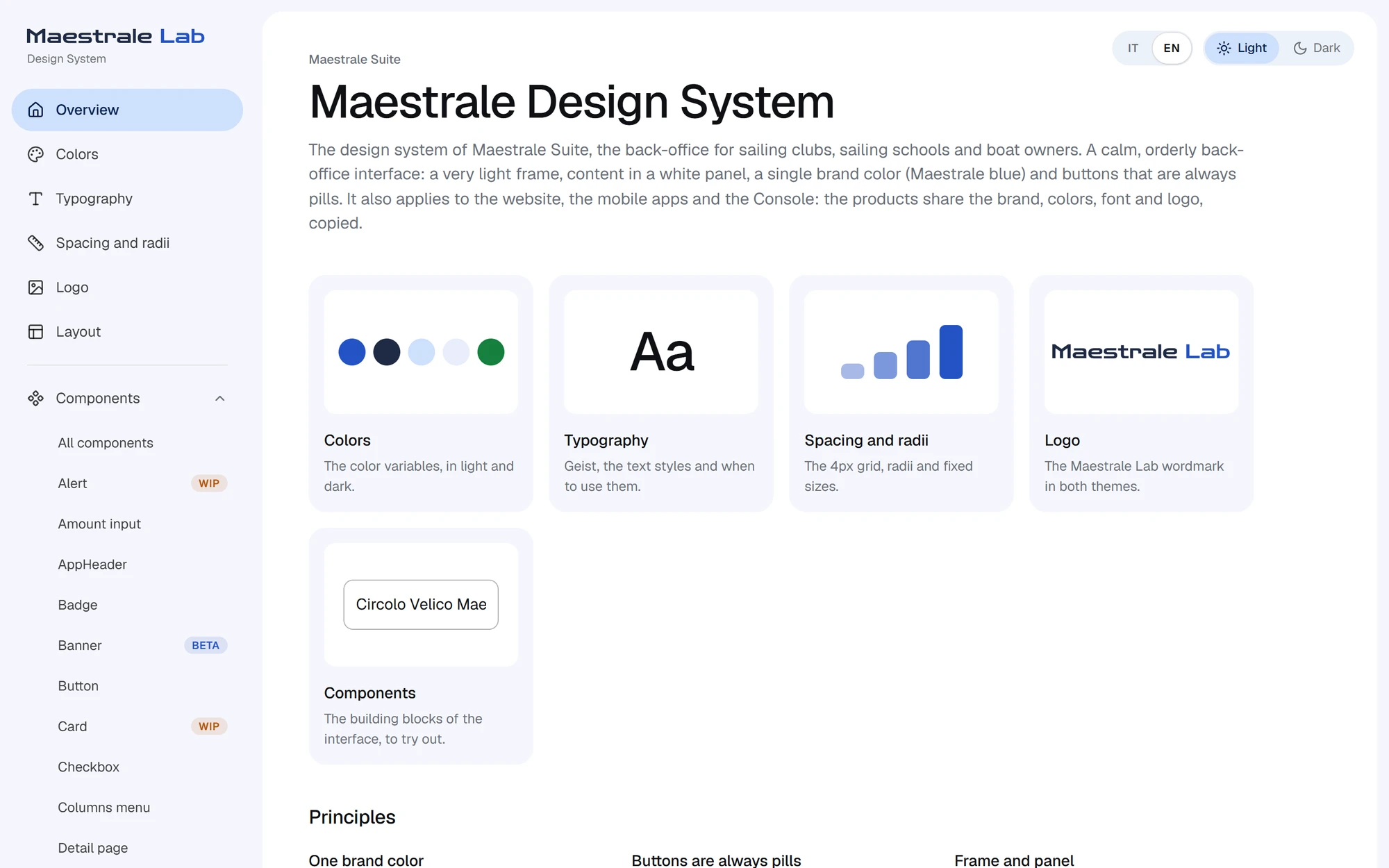
The Maestrale Design System documents colours, typography, spacing and components of Maestrale Suite on a public site, in Italian and English, in light and dark. A dedicated agent keeps it aligned: it doesn't invent components or colours, it regenerates them from the product.
- Design systems
- Documentation
- Design tokens
- AI agents
Context
One visual language for every product
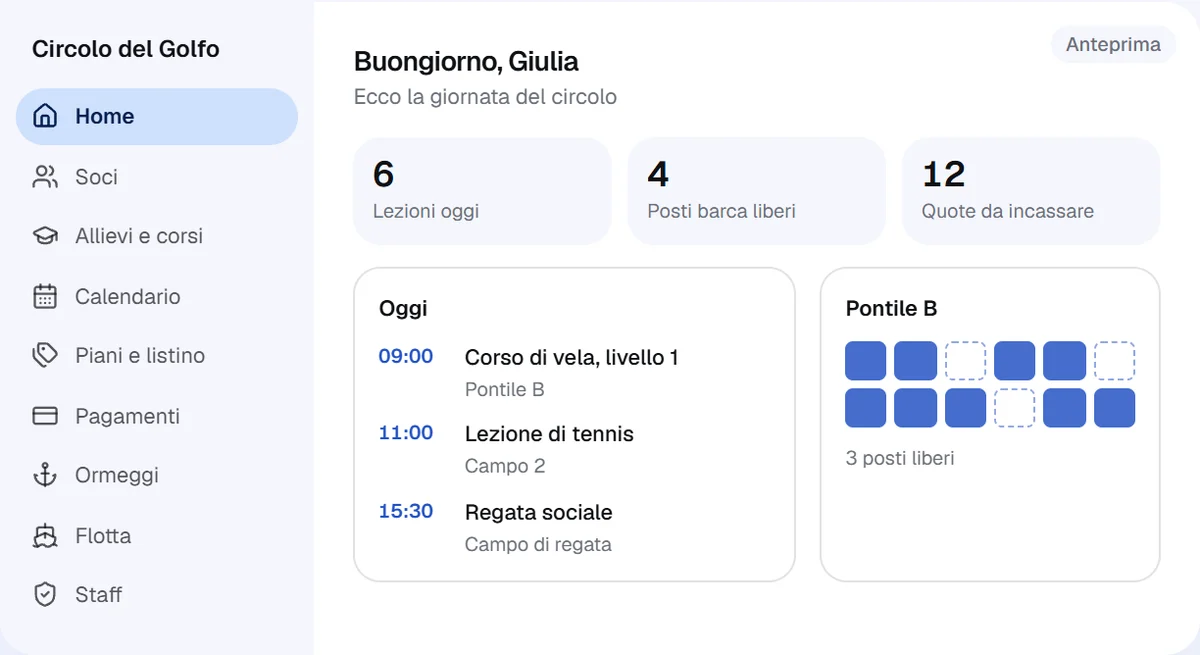
Maestrale is more than the Suite: there's the website, the help center, the internal Console and, later, the apps. The design system agent copies components and colours from the Suite and documents them, so that every product stays consistent.
In numbers
- 35
- documented components
- 2
- languages, Italian and English
- 2
- themes, light and dark
- 8 h 58
- of work by the design system agent
Components counted on the public site; hours from the session logs, 16–26 Nov 2026.
The problem we solve
The problem
No Figma file to be the reference
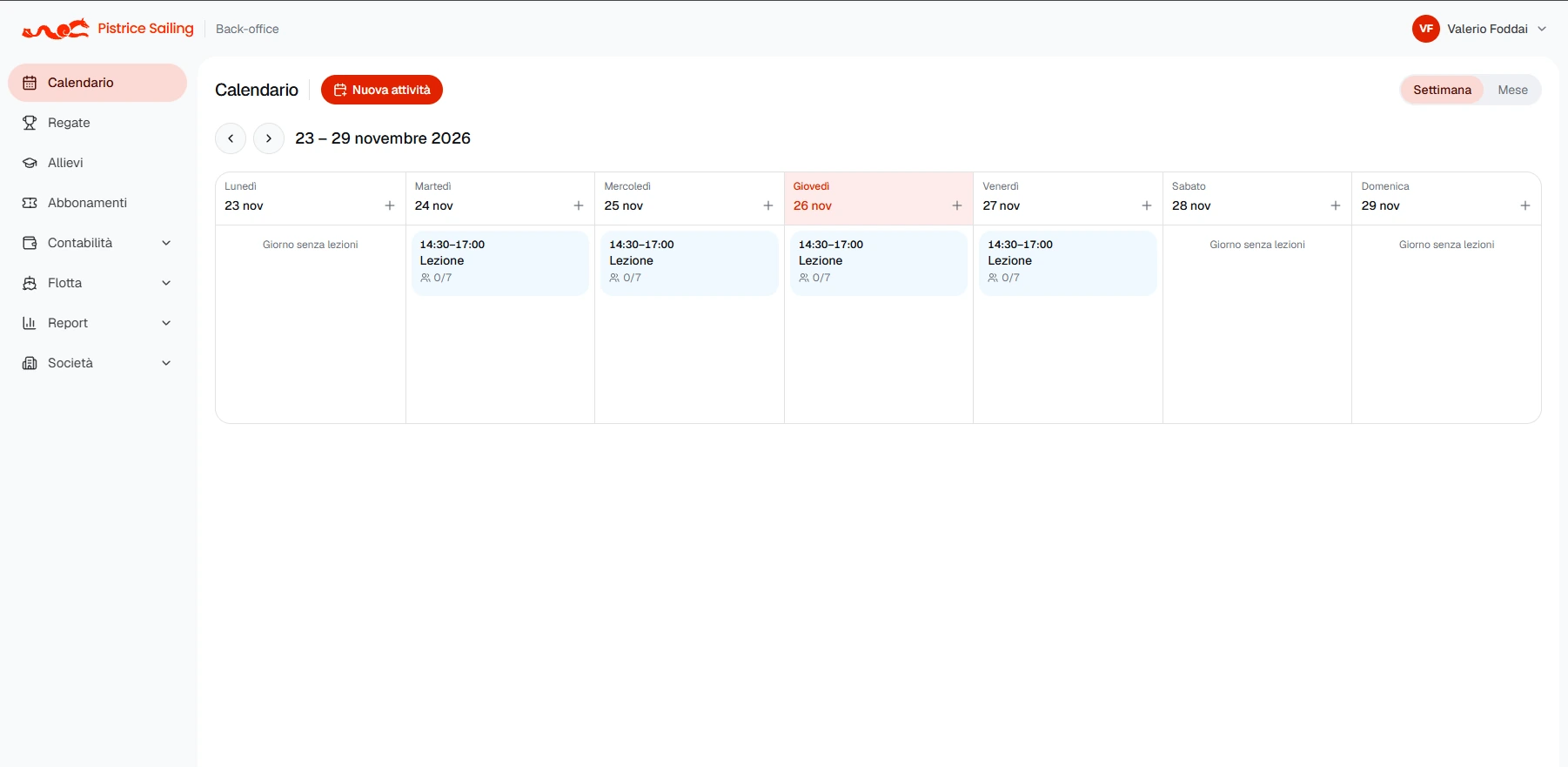
Maestrale is designed directly in the product, so the real components live in the code. A design system drawn separately would drift from what ships on day one.
It also had to be readable by two audiences: people who design and build, and the agents that write the code.
What I did
The product is the original
I decide the design; components and colours change only in the Suite. A dedicated agent regenerates the design system from the product code, so the documentation can't drift from what ships.
The rules
- I decide the design: the agent doesn't invent styles, colours or layouts
- Components and colours change only in the Suite
- The kit can get ahead of the Suite, on separate branches
- Proposals are merged by the Product agent
- Website-only components have their own section
How it works
The product is the original, the design system is regenerated from it
- 1
Change in the product
Components and colours change only in the Suite, by the Product agent, with my design decisions.
- 2
Sync
A script reads the light and dark colour tokens, regenerates previews and usage guides, rebuilds the components and records which product version they come from.
- 3
Two outputs
A public site in Italian and English, with each component's states in light and dark, and a version in a format the agents read: tokens, guides and previews.
- 4
Proposals on their own branch
The design system agent can prepare component changes on separate branches; the Product agent merges them into the product.
and around again
What's inside
From foundations to components
Colours 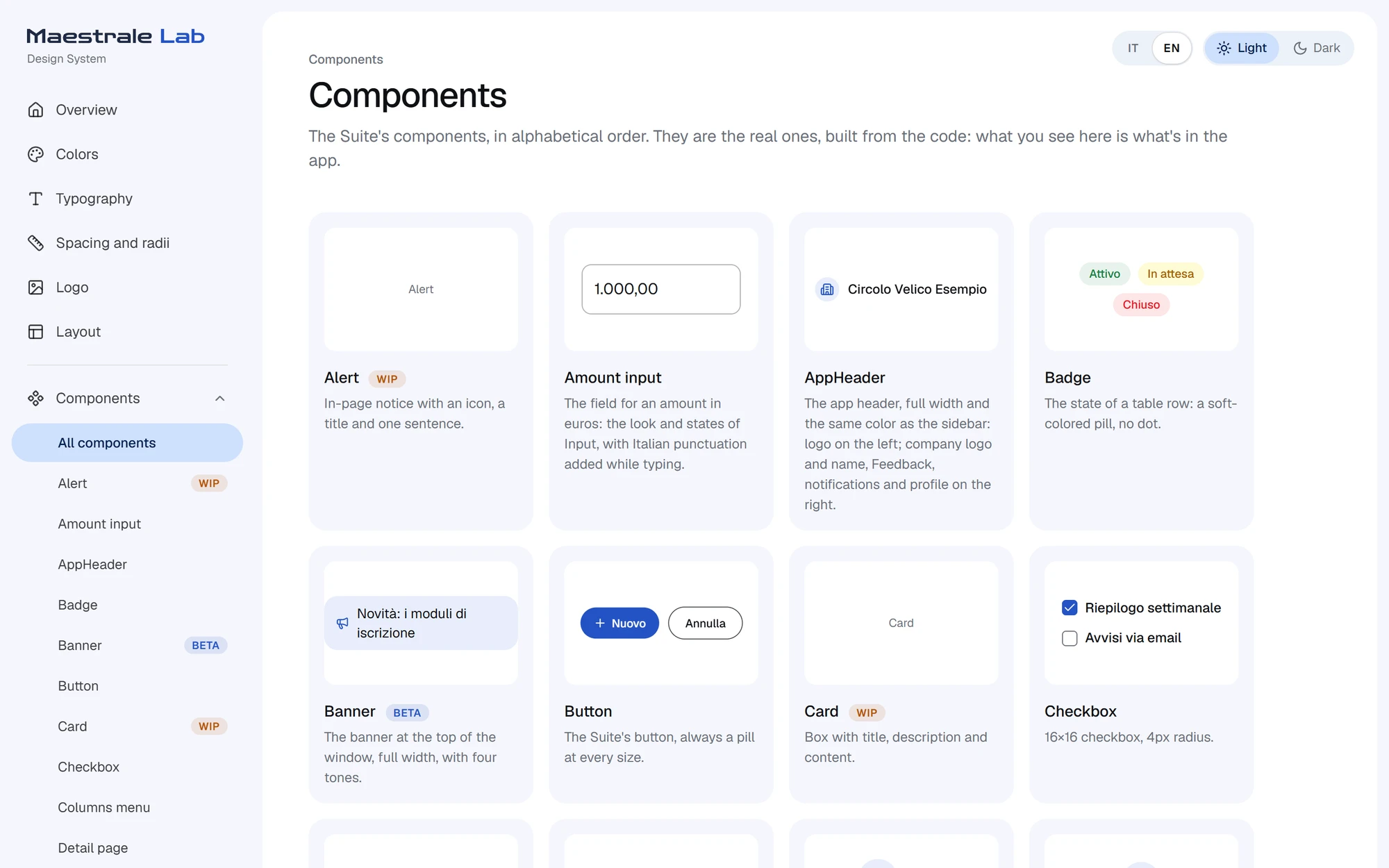
Components 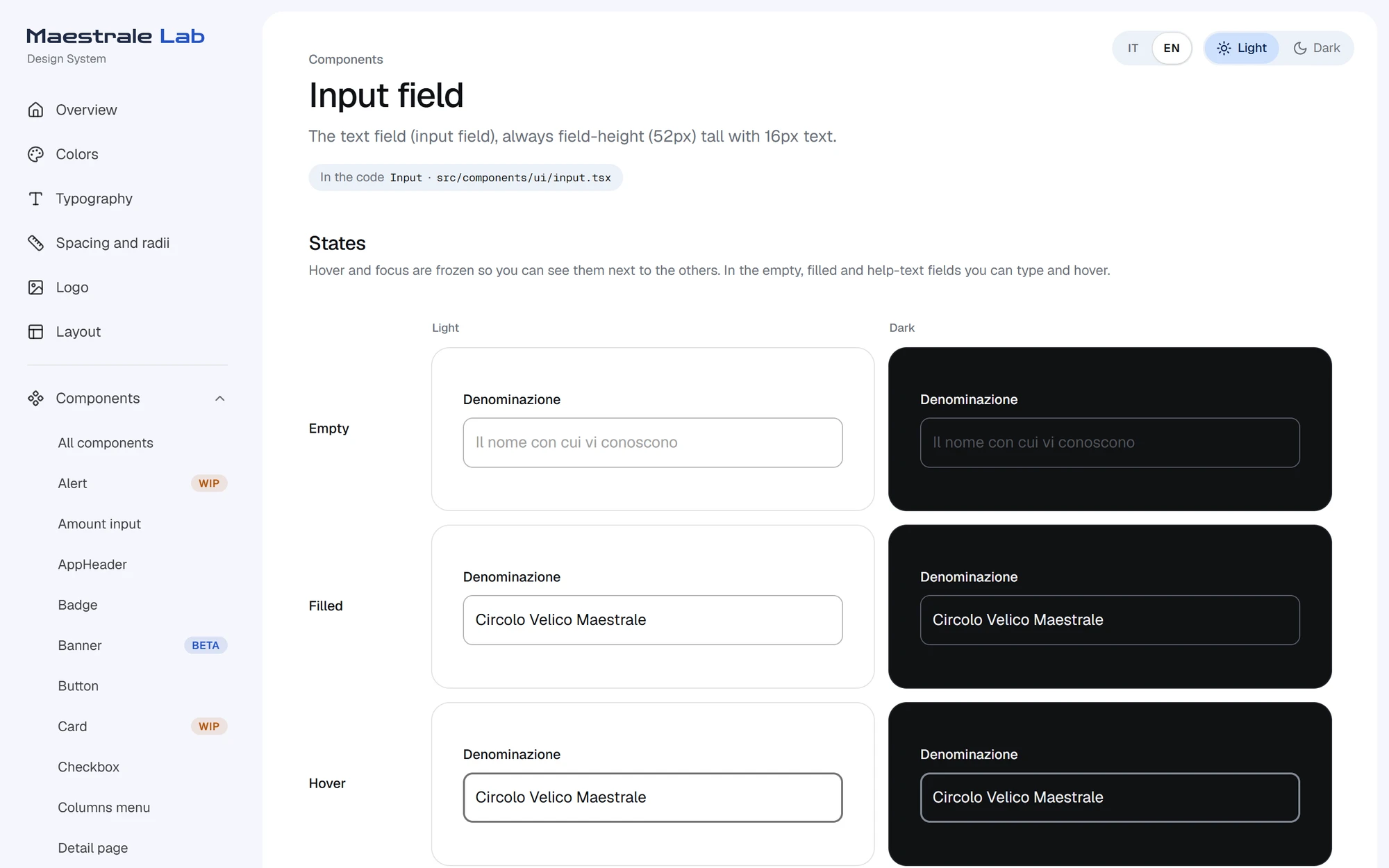
A component, its states in light and dark
What's inside
Foundations, components, principles
Foundations
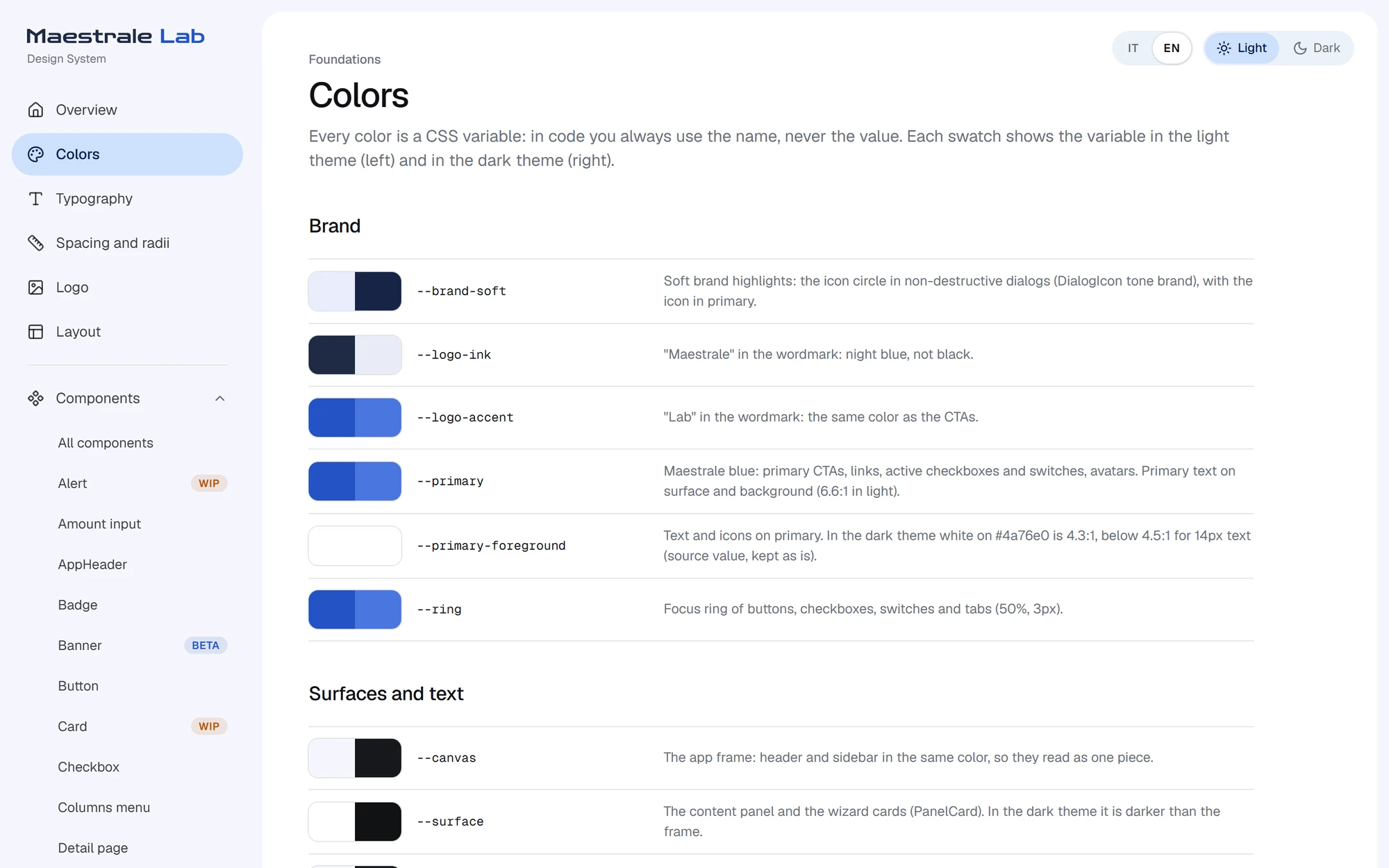
Colours in light and dark, Geist typography, a 4px spacing grid with radii and fixed sizes, the logo and the layout.
Components
The building blocks of the interface, to try out, each marked as ready, beta or work in progress.
Principles
One brand colour, buttons always pills, a very light frame with the content in a white panel.
“If the kit gets ahead of the Suite, that's fine too: you work independently.”
Where it is today
Live, and growing with the product
The site is public at design.maestralelab.com. Components move from work in progress to ready one at a time, as they're finished in the product.